
Lightyear Frontier Crops Disappeared: 6 Causes and Fixes
Crops vanished in Lightyear Frontier? Six causes, from dry mounds and overdue harvests to tornadoes and co-op sync, with the fix for each and how to prevent it.
A field that was full yesterday and empty today is almost never a random bug. Lightyear Frontier deletes crops through a small number of known states: dry mounds, overdue harvests, storm damage and slime reclaiming the ground. This page walks through the causes in the order you should check them.
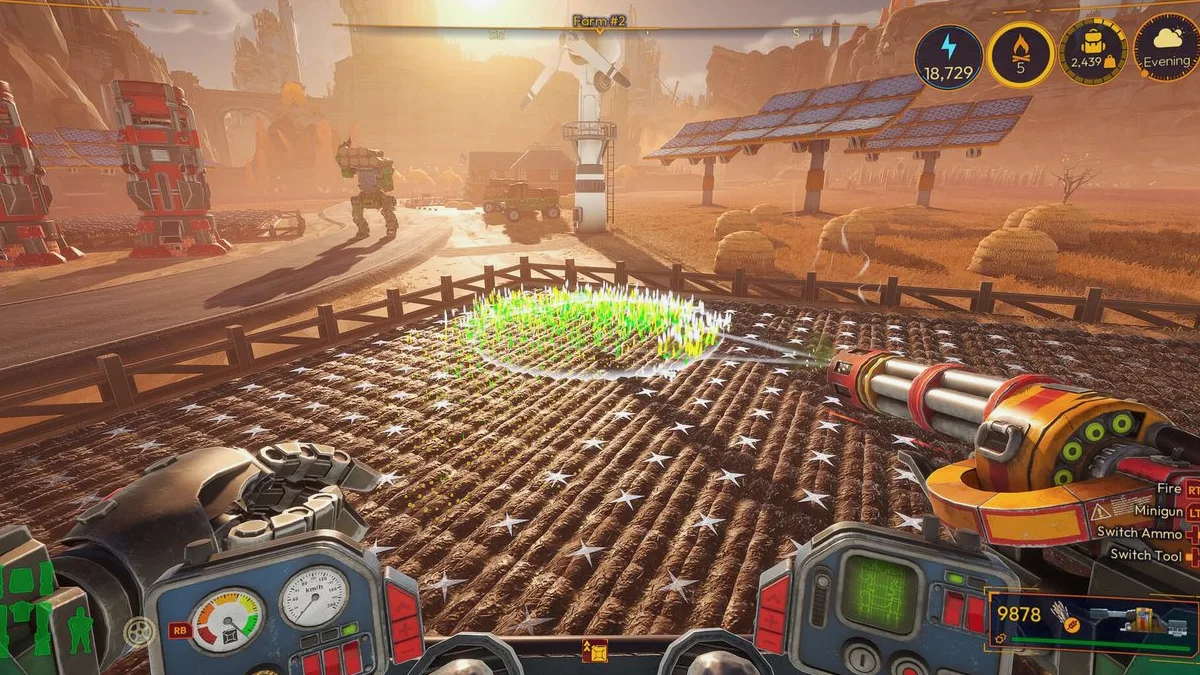
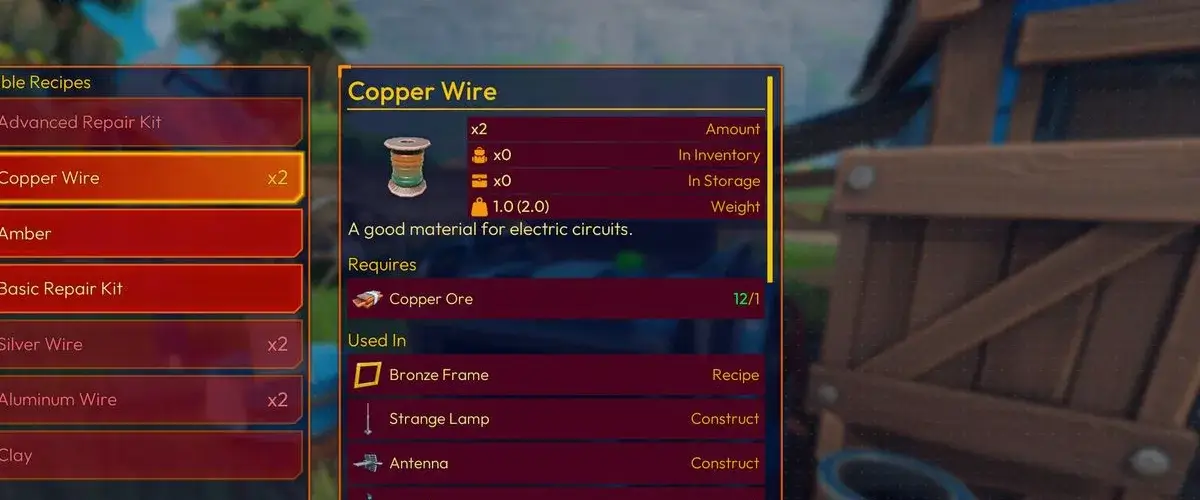
Why did my crops disappear?
Six causes account for nearly every report:
| Cause | What you see | Fix |
|---|---|---|
| Dry mound | Bare soil where a crop was, no seeds | Replant and connect water |
| Overdue harvest | Crop shrivelled or gone after several days | Harvest on the day it ripens |
| Tornado or storm | Crops flattened in a path | Replant; check the forecast |
| Slime or weeds | Green growth spreading over mounds | Clear it and re-till |
| Co-op desync | Crops visible to one player, missing for another | Rejoin; host saves |
| Old save after 1.0 | Fields changed or reset after loading | Replant the affected strips |
Start with water. It is the most common cause and the easiest to verify.
1. The mound went dry
Crops stop growing when the mound has no water, and a crop left dry for more than a couple of in-game days can disappear. Rain counts as water, so a dry spell is most dangerous when the forecast is clear.
How to confirm: check the Water Reservoir level and the pipe connection to the Watering Drone Station. If the reservoir is empty, the drones stopped working even though the field still looks planted.
Fix: refill the reservoir, reconnect the pump, and replant the missing mounds. Then set up a buffer so it does not happen again:
- One Automated Water Pump per reservoir.
- A pipe from the reservoir to every Drone Station.
- A second reservoir once the farm passes roughly twenty mounds.
The full chain is in water systems →. If the reservoir is full but the field is still dry, the problem is the pipe, not the water.
2. The harvest was overdue
A ripe crop does not wait forever. Leave it in the ground for several days and it withers; the mound returns to bare soil and the harvest is lost. This is the second most common cause, especially on four-day crops that ripen while you are exploring.
Fix: harvest on the day the crop matures. The HUD marks ripe mounds, and the Field Harvest mode clears a strip in one pass, so there is no reason to leave a ripe crop standing.
Prevention: stagger planting. If every mound ripens on the same day, you will inevitably miss some. Plant one strip per session instead of the whole farm at once.
3. A tornado crossed the field
Tornadoes are weaker in 1.0 — they no longer chase the player and deal less damage — but they still cross the map and can flatten crops in a narrow path.
Fix: replant the damaged strip. There is no way to protect a crop from a direct hit. The Weather Forecaster now shows changes in hours rather than days, so check it before planting a slow crop.
Prevention: keep the four-day crops in the strip closest to the base, where you can see damage quickly, and keep a seed buffer for replanting.
4. Slime or weeds reclaimed the ground
Noxious slime spreads if you leave it alone. A patch adjacent to a field can creep over the mounds, and weeds can fill the gaps between strips. The crop is not deleted; the ground is simply occupied.
Fix: clear the slime with the Spike Saw and re-till the mound. Check the perimeter of the farm after every storm, because slime spreads faster in wet weather.
Prevention: leave a two-tile buffer between the farm and uncleared slime, and clear the buffer once per session.
5. Co-op desync
In a multiplayer session, the host's world is authoritative. A guest can see a crop that the host has already harvested, or miss a crop that the host planted. This looks like crops disappearing, but the host's save is correct.
Fix: rejoin the session. If the field is still wrong for the host, it is one of the causes above, not a sync issue.
Prevention: let the host harvest and replant when both players are in the same area, and avoid both players editing the same strip at once. The co-op guide → covers hosting rules.
6. An old save after the 1.0 update
1.0 rebuilt farming, storage and the mech. Old saves load, but fields can look different: crops that used removed items, mounds that no longer match the new rotation, or storage contents that moved.
Fix: replant the affected strips once. The save is not corrupted; the farm state was migrated and some plants did not survive the migration.
Prevention: before loading an Early Access save, take a screenshot of the farm layout. It makes the rebuild much faster.
What should you check first?
Use this order:
- Reservoir level and pipe connection.
- Ripe crops left standing for several days.
- Tornado path and slime perimeter.
- Session host and co-op sync.
- Save migration, if the field predates 1.0.
If the mounds are still there but the crops will not grow, the issue is water or soil type, not deletion. The crop rotation page → explains the soil rules; the crop list → lists grow times so you know when a crop should have ripened.
FAQ
Is there a bug that deletes crops in Lightyear Frontier?
No confirmed deletion bug in the 1.0 build. Reports usually trace back to dry mounds, overdue harvests, storms or co-op sync. If a crop vanishes with the mound intact and water connected, check the save migration path.
Do crops need water every day?
They need water to keep growing. Rain counts, and a Reservoir plus drones automates the rest. A dry mound pauses growth and can kill the crop after a couple of days.
Can animals eat crops?
Animals do not eat planted crops. They eat feed from troughs. A field that loses plants to animals is usually a co-op sync issue or a visual bug, not a gameplay system.
How do you protect crops from tornadoes?
You cannot shield a specific mound. Check the hourly forecast, avoid planting slow crops before a storm window, and keep spare seeds for replanting.
Sources
Behavior checked in the 1.0 build on November 5–6, 2026. The dry-mound despawn window is based on observed play and player reports; the game does not publish an exact timer.
Official source: Steam store ↗, official site ↗, community wiki ↗.
More Lightyear Frontier Guides

Lightyear Frontier 1.0: Release Date, Price and Changes
Lightyear Frontier 1.0 launched November 4, 2026. Here is the price, the two new regions, the ending, the mech rework and every change that matters.
Lightyear Frontier Achievements: All 57 and How to Get Them
All 57 Lightyear Frontier achievements with unlock requirements, grouped by farming, exploration, ranching, delivery and the ending, plus a completion order.

Lightyear Frontier Automation Guide: Pipes and Layouts
How Lightyear Frontier automation works in 1.0: Automation Pipes, storage filters, three auto-recipes per construct, energy, and three layouts that work.
Lightyear Frontier Beginner Guide: Your First 10 Hours
A spoiler-light Lightyear Frontier beginner guide: first-hour checklist, early crops, water, fuel, mech upgrades and the mistakes that slow new farms down.

Lightyear Frontier Best Base Location: 3 Strong Sites
The best base location in Lightyear Frontier, scored on water, flat ground, resources and delivery distance, plus the best starting site and a build layout.

Lightyear Frontier Best Oil for Fuel: Ranked by Energy
Every Lightyear Frontier crop oil ranked by fuel value, with energy per grow day, the best early and late picks, and how the Oil Presser changes the math.
Lightyear Frontier Co-Op: 4-Player Crossplay Explained
How Lightyear Frontier co-op works: four players, online only, Steam and Xbox crossplay, shared progress, host rules and the best way to split the work.

Lightyear Frontier Crop Locations: Where Each Seed Grows
Where to find every Lightyear Frontier crop seed by region, how the Seed Extractor and Seed Splicer work, and what to do when a seed will not unlock.