
Lightyear Frontier Difficulty: All 5 Presets Explained
Lightyear Frontier has five difficulty options: Creative, Relaxed, Balanced, Challenging and Custom. What each one changes, and which to pick for a first run.
Lightyear Frontier 1.0 adds a difficulty selector with five options: Creative, Relaxed, Balanced, Challenging and Custom. The choice is made per world, and in co-op the host's setting applies to everyone. This page explains what each preset is for and which one to pick.
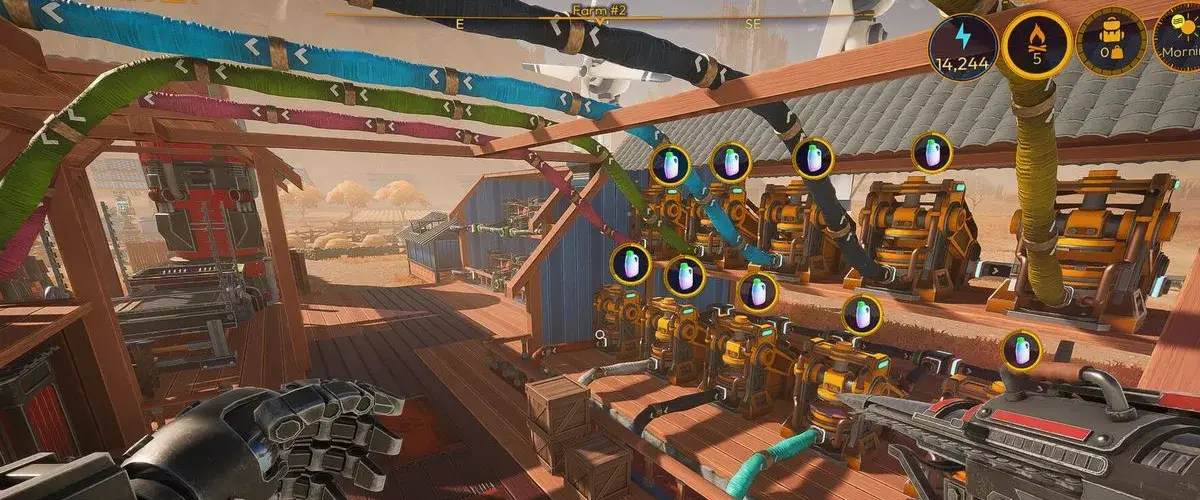
What are the five difficulty presets?
| Preset | Designed for | What it feels like |
|---|---|---|
| Creative | Testing, building, no pressure | Hazards and survival friction are effectively removed |
| Relaxed | First-time players who want calm | Gentler hazard pressure, more room for mistakes |
| Balanced | The intended default | Standard hazard damage and progression pace |
| Challenging | Players who want the world to push back | Stronger hazards, tighter resource pressure |
| Custom | Fine-tuning | Individual settings exposed instead of a bundle |
The official patch notes name the presets but do not publish a numeric multiplier table. The descriptions above reflect how the presets behave in play, not hidden values pulled from the game files.
Which difficulty should you pick?
Pick Balanced for a first solo run. It is the preset the campaign is tuned around: hazards matter, but they do not interrupt the farming loop. You will still lose crops to a tornado if you ignore the forecast, and that is the point.
Pick Relaxed if you play for the building and farming. The production chain is identical; you simply spend less time repairing and recovering. This is also the better choice for a first co-op world where players have different experience levels.
Pick Creative if you want to test layouts. Creative is the fastest way to prototype a base, a pipe network or a crop rotation before committing resources in a real save. It is not a separate mode with a separate world; it is a preset.
Pick Challenging only after you know the systems. The opening hours are the worst place to learn under pressure, because the game withholds automation until Milestone 4. Challenging makes that stretch longer, not more interesting.
Does difficulty affect achievements?
The 57 achievements are not split by difficulty. You can unlock the same list on any preset, including Creative. There is no achievement for finishing on Challenging, and no penalty for switching down if a fight or a storm goes badly.
That makes difficulty a comfort setting rather than a completion requirement. If you are chasing Hero of the Frontier or the milestone achievements, pick the preset that keeps you playing.
What does Custom let you change?
Custom exposes the individual settings that the presets bundle. The exact list is best checked on the world-creation screen, because it is the authoritative source and it is visible before you commit. In practice, Custom is for players who want one specific pressure removed — say, hazard damage — while keeping the rest of the Balanced economy.
Two rules of thumb:
- Change one variable at a time, then play a full in-game day before changing another.
- Do not use Custom to make the early game easier and the late game harder; the progression curve assumes a consistent setting.
Can you change difficulty after starting?
The preset is a world setting, not a per-session toggle. In co-op it is controlled by the host, and guests inherit it. If you want to change the difficulty of an existing world, check the world settings from the main menu before loading; if the option is unavailable, start a new world with the preset you want.
This is also why you should agree on a preset before inviting friends. A guest who wanted Relaxed cannot override a Challenging host, and rebuilding a shared base on a new world is a significant time cost.
How does difficulty interact with co-op?
The host's world carries the difficulty. Guests do not bring their own preset, and the setting does not change when a guest joins or leaves. For a mixed group, Relaxed is the safest common denominator; for a group that wants tension, Challenging works because the farming systems stay the same and only the pressure changes.
Session setup, invites and crossplay are covered in the co-op guide →. If you are still deciding whether to buy, the review → covers the value at the current price.
FAQ
Is there a hardcore mode?
No. Challenging is the highest preset, and it raises pressure without adding permadeath or a separate ruleset.
Does Creative disable achievements?
The achievement list is the same across presets, and the game does not split completion by difficulty. If you use Creative to prototype a layout, you are still playing the same world type.
Can the host change difficulty mid-session?
Difficulty is a world-level setting controlled by the host. Guests cannot change it, and the intended workflow is to choose it when the world is created.
Which preset is closest to the Early Access balance?
Balanced is the closest to the original experience, with the 1.0 quality-of-life changes layered on top. Relaxed is noticeably gentler than Early Access.
Sources
Preset names and the per-world behavior come from the official 1.0 patch notes published November 4, 2026. No numeric multipliers are published, so this page does not invent them.
Official source: Steam store ↗, official site ↗, community wiki ↗.
More Lightyear Frontier Guides
Lightyear Frontier 1.0: Release Date, Price and Changes
Lightyear Frontier 1.0 launched November 4, 2026. Here is the price, the two new regions, the ending, the mech rework and every change that matters.
Lightyear Frontier Achievements: All 57 and How to Get Them
All 57 Lightyear Frontier achievements with unlock requirements, grouped by farming, exploration, ranching, delivery and the ending, plus a completion order.

Lightyear Frontier Automation Guide: Pipes and Layouts
How Lightyear Frontier automation works in 1.0: Automation Pipes, storage filters, three auto-recipes per construct, energy, and three layouts that work.
Lightyear Frontier Beginner Guide: Your First 10 Hours
A spoiler-light Lightyear Frontier beginner guide: first-hour checklist, early crops, water, fuel, mech upgrades and the mistakes that slow new farms down.

Lightyear Frontier Best Base Location: 3 Strong Sites
The best base location in Lightyear Frontier, scored on water, flat ground, resources and delivery distance, plus the best starting site and a build layout.
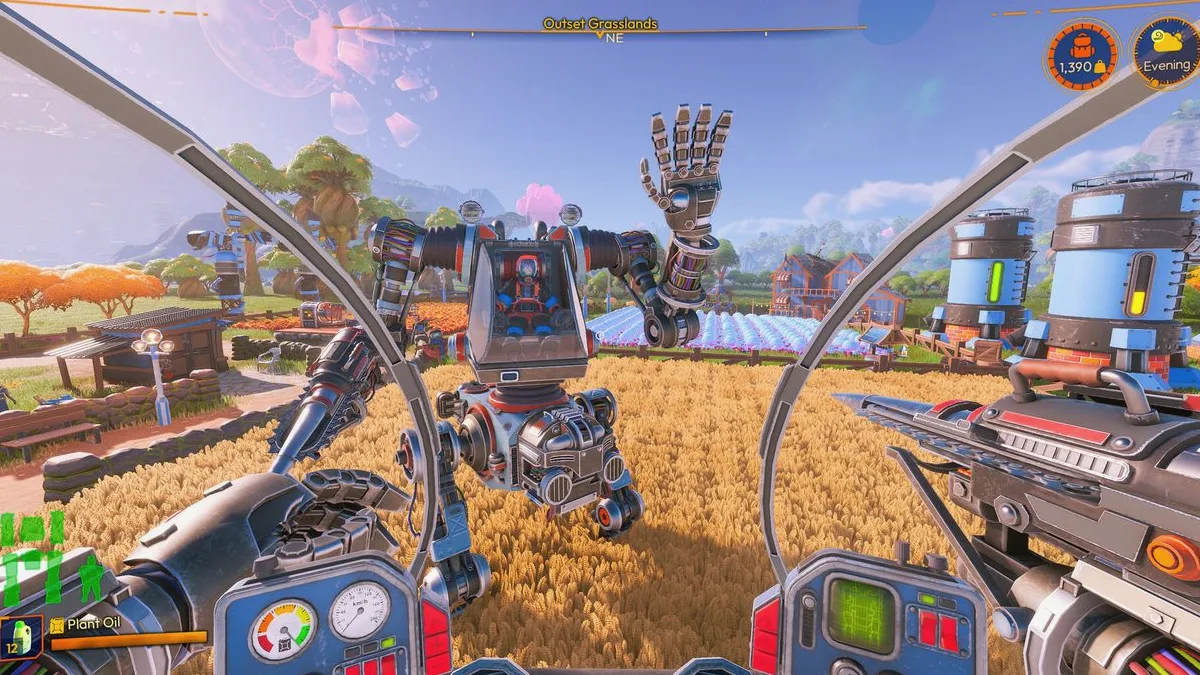
Lightyear Frontier Best Oil for Fuel: Ranked by Energy
Every Lightyear Frontier crop oil ranked by fuel value, with energy per grow day, the best early and late picks, and how the Oil Presser changes the math.
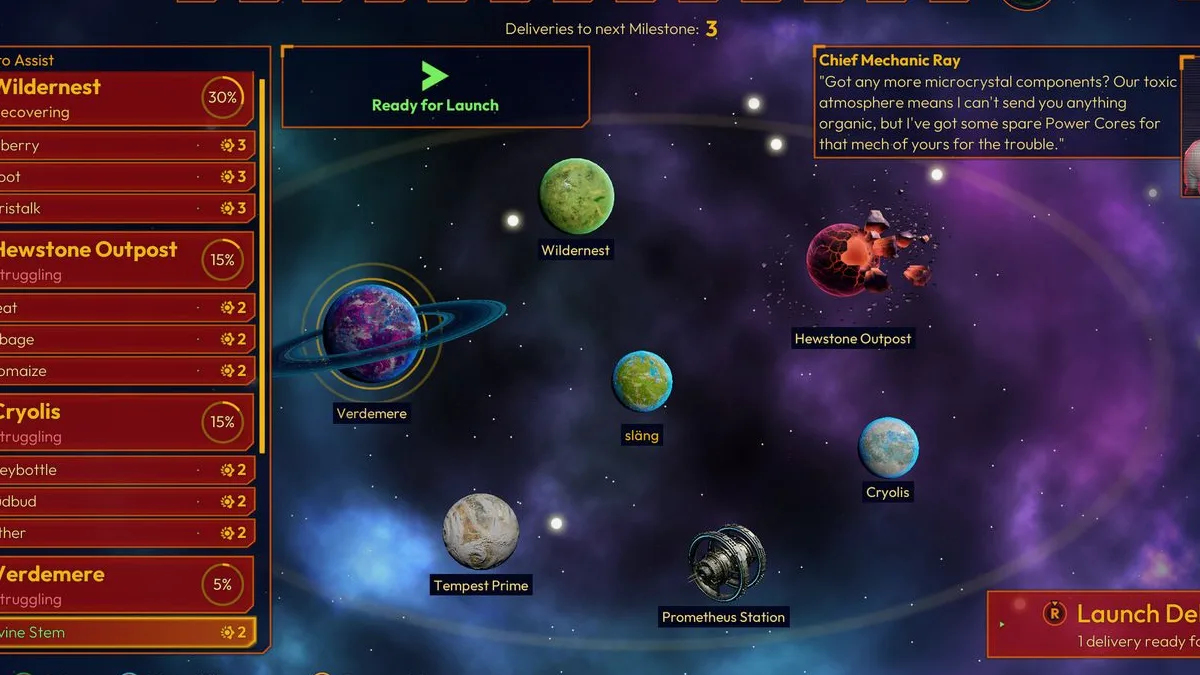
Lightyear Frontier Co-Op: 4-Player Crossplay Explained
How Lightyear Frontier co-op works: four players, online only, Steam and Xbox crossplay, shared progress, host rules and the best way to split the work.
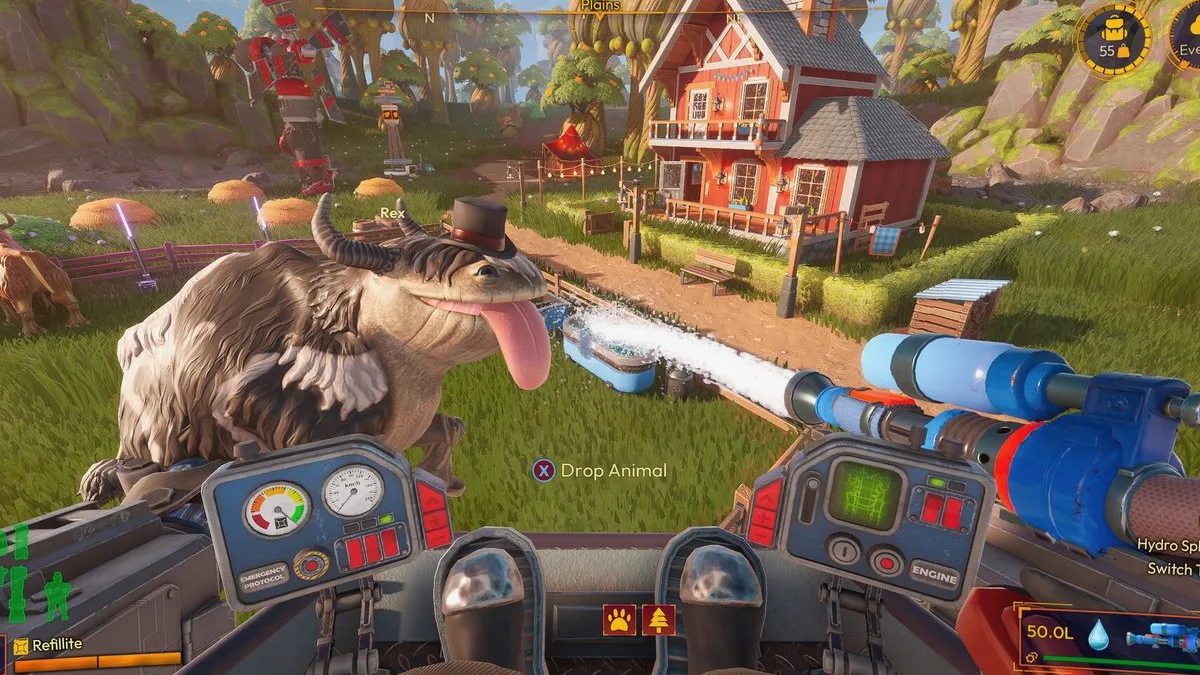
Lightyear Frontier Crop Locations: Where Each Seed Grows
Where to find every Lightyear Frontier crop seed by region, how the Seed Extractor and Seed Splicer work, and what to do when a seed will not unlock.